Your sandboxes, in a browser, from one command
Studio is a client of the same API as the CLI and the SDKs, served by sandbox-cli itself on a loopback port. It talks to whichever sandboxd your context points at — your Mac, your Linux box — and does the host-side work the CLI does, such as copying an agent's saved login in and back out.
$sandbox-cli studio# Studio: http://127.0.0.1:7080/#token=cb0fbb4f…# studio: context local · Ctrl-C to stop
Open the address it prints. --context picks another sandboxd, --port another port. Closing Studio leaves every sandbox it started running; the next Studio finds them again. Every screen, which ones a gateway key's scopes open, organizations and the hosted build are in the Studio docs.
The same sandboxes, on a page
Taken from a real sandboxd: Firecracker microVMs on a Linux machine, run without root, which is why each network says none. Select one for full size.
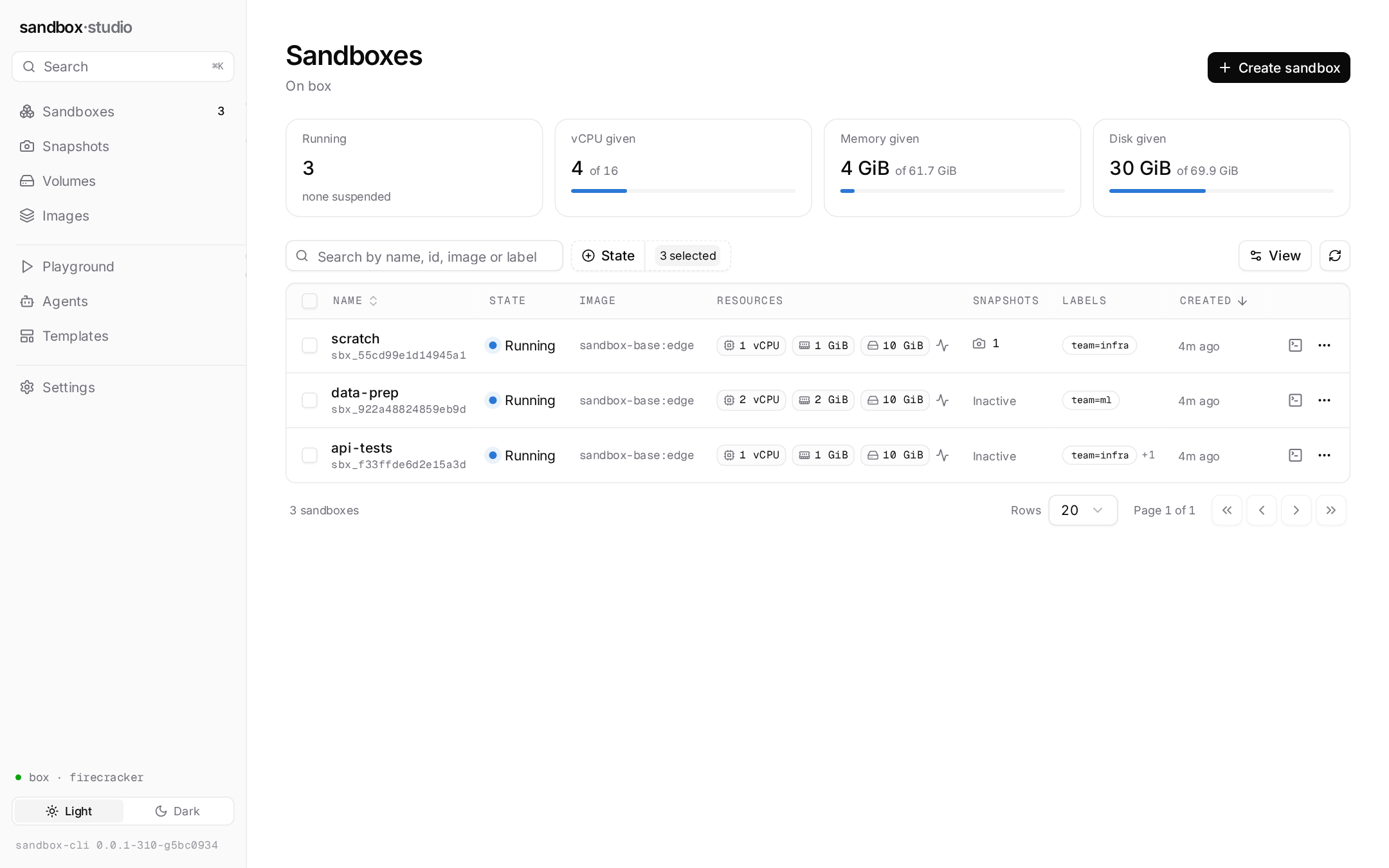
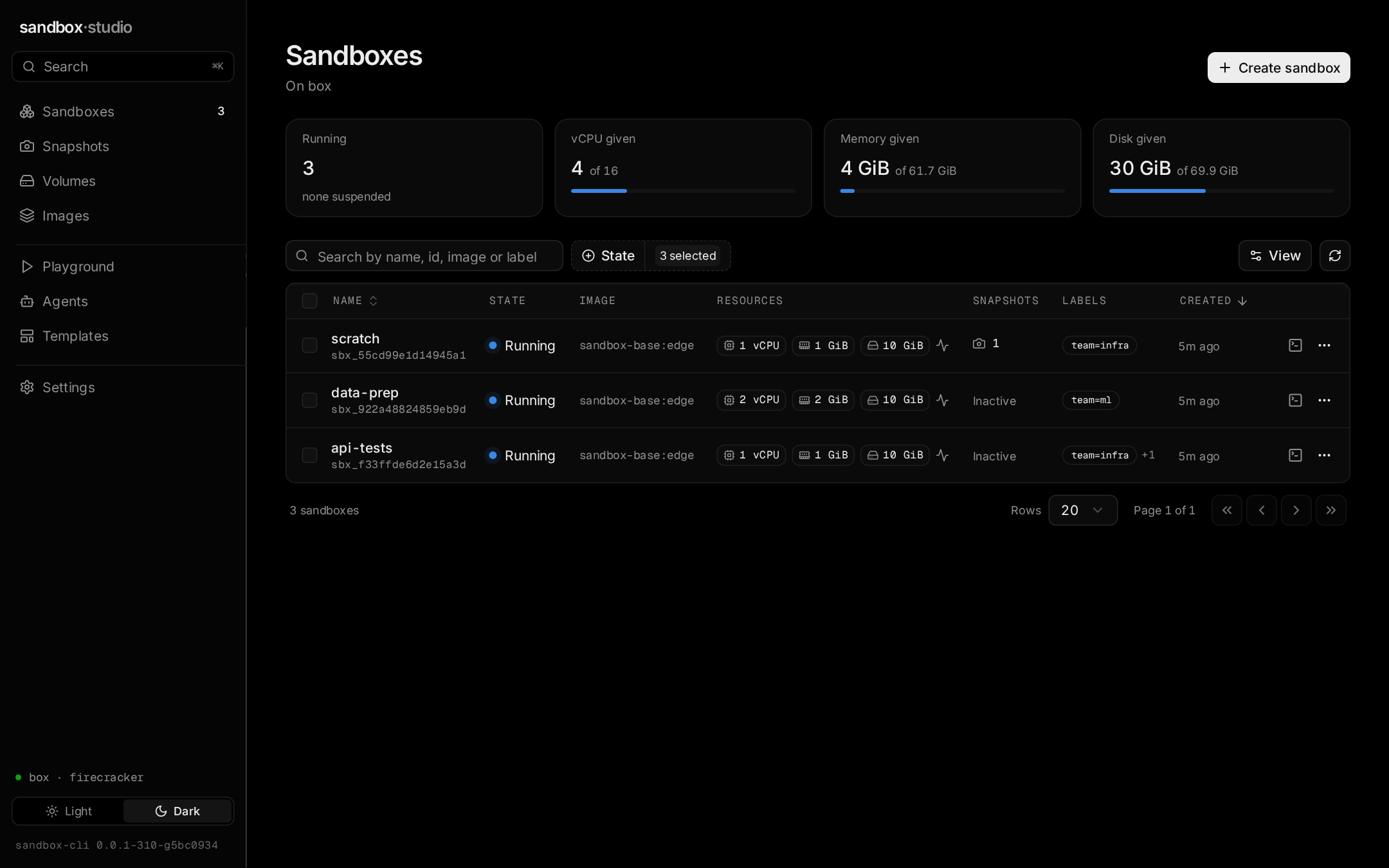
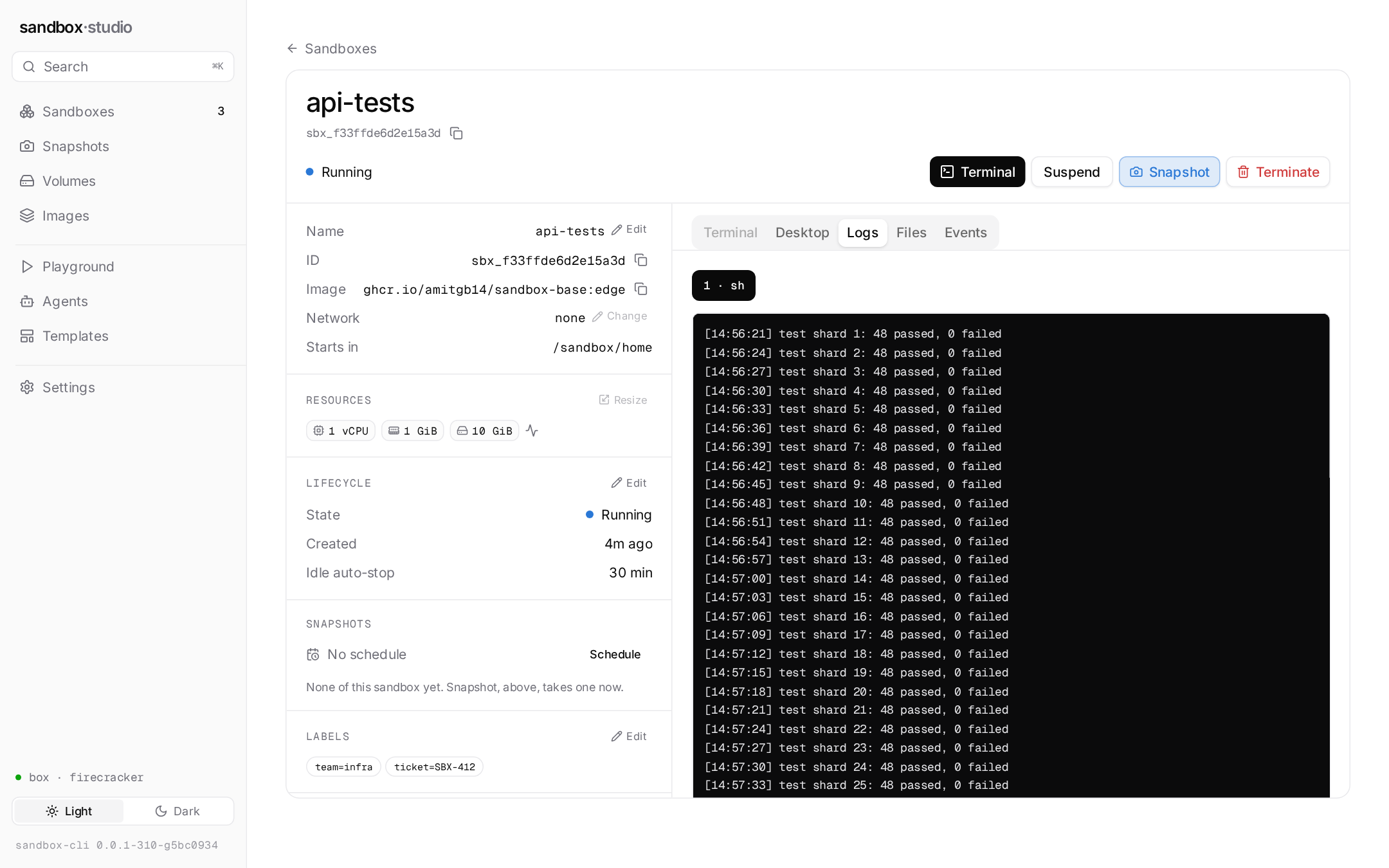
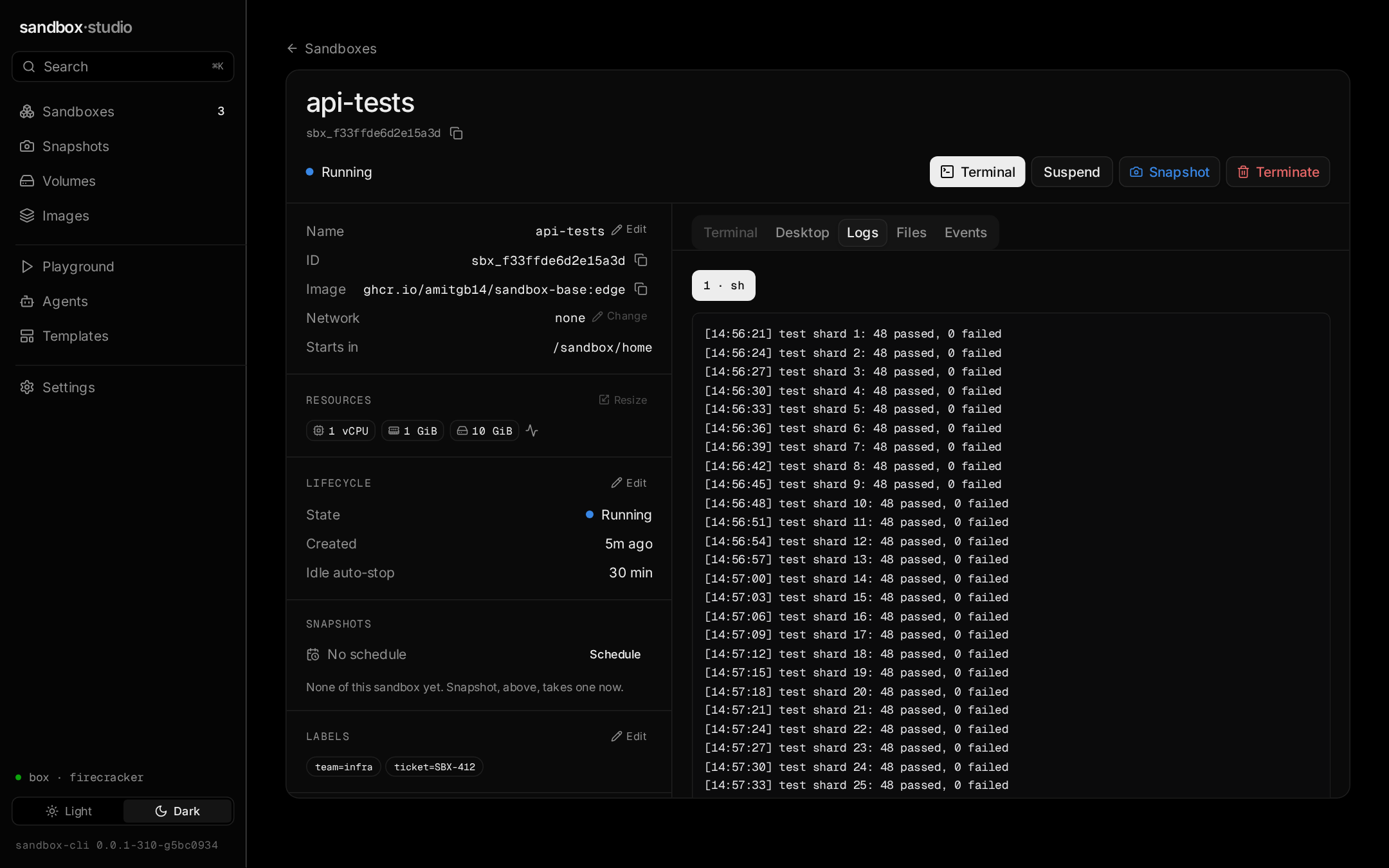
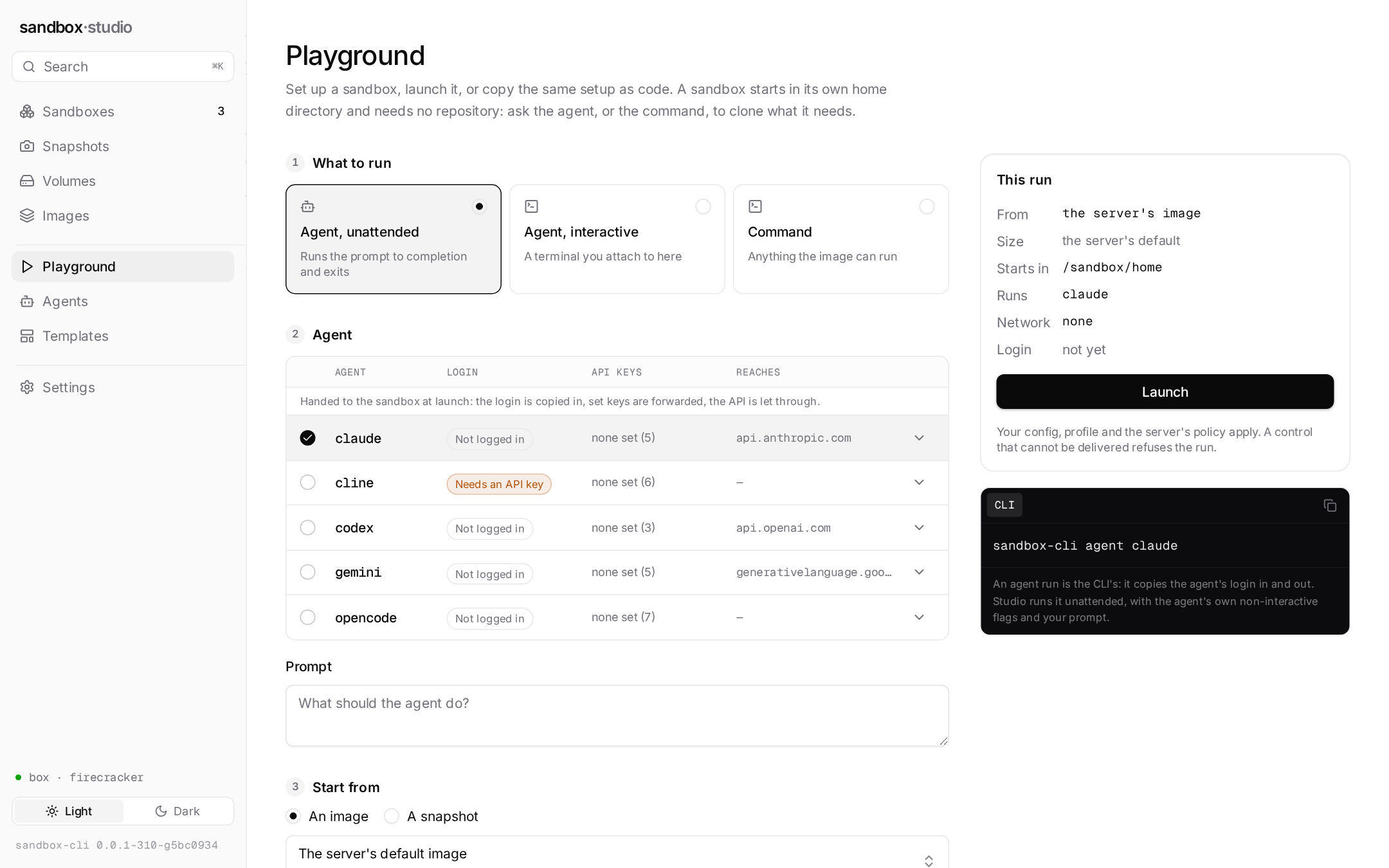
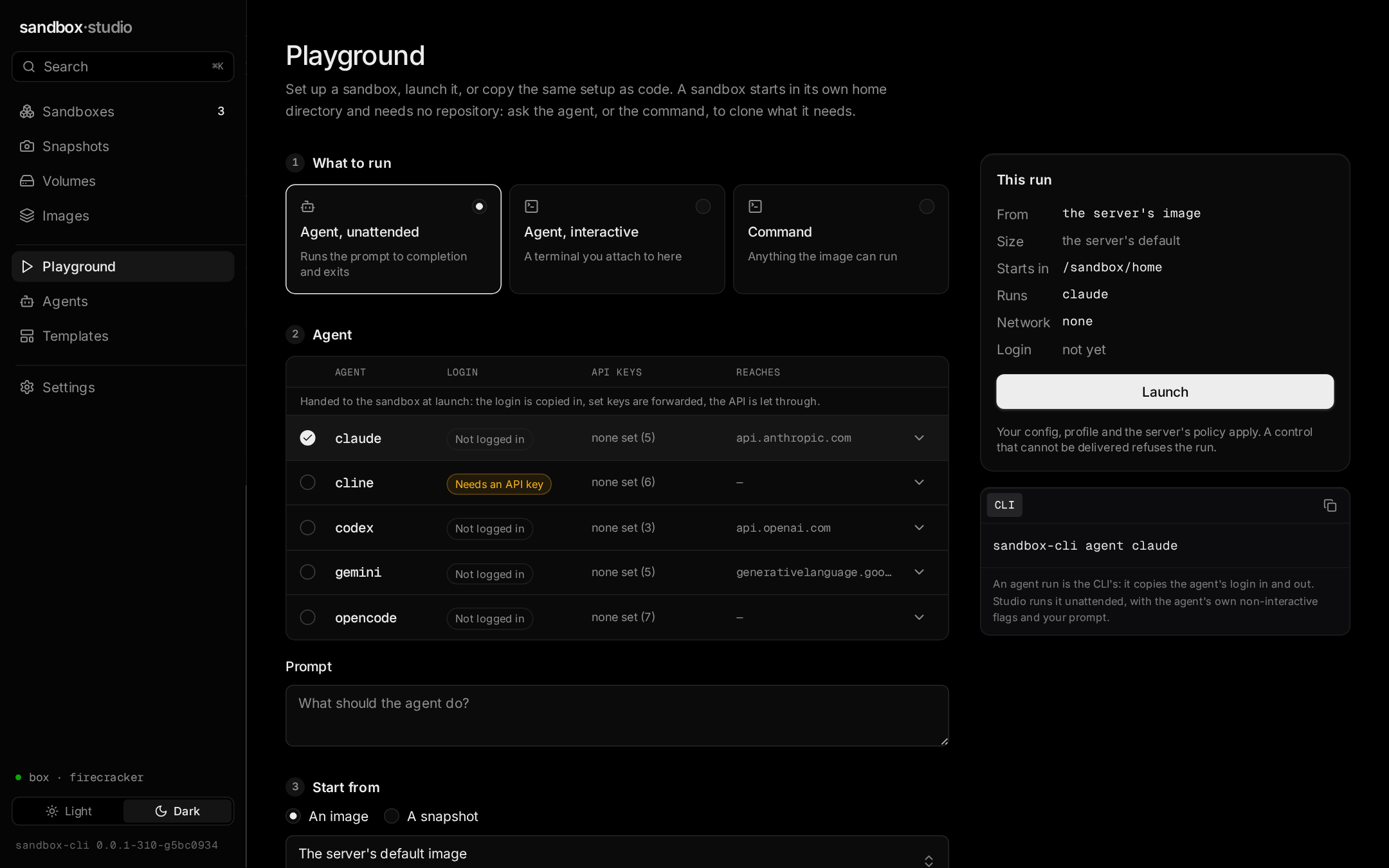
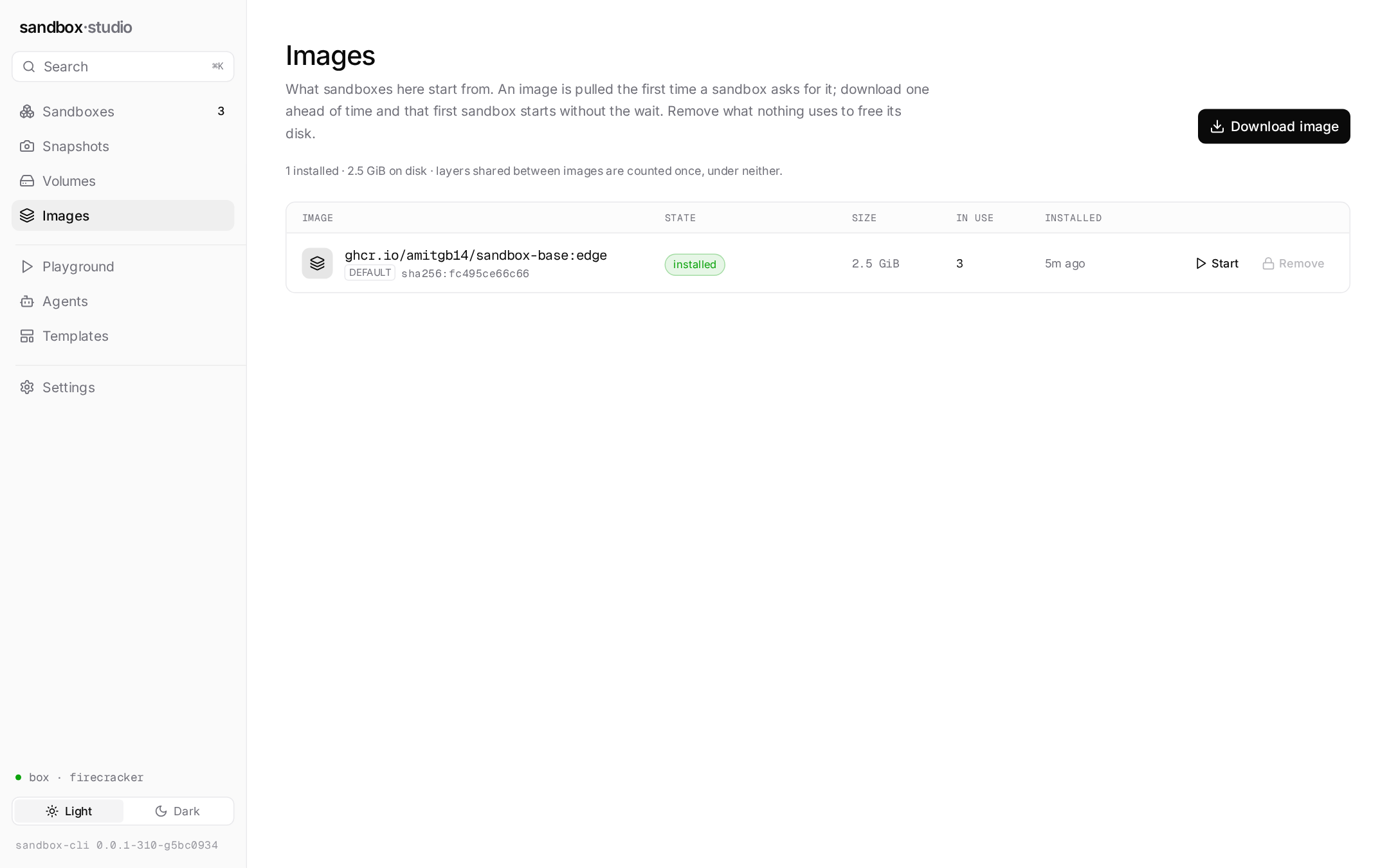
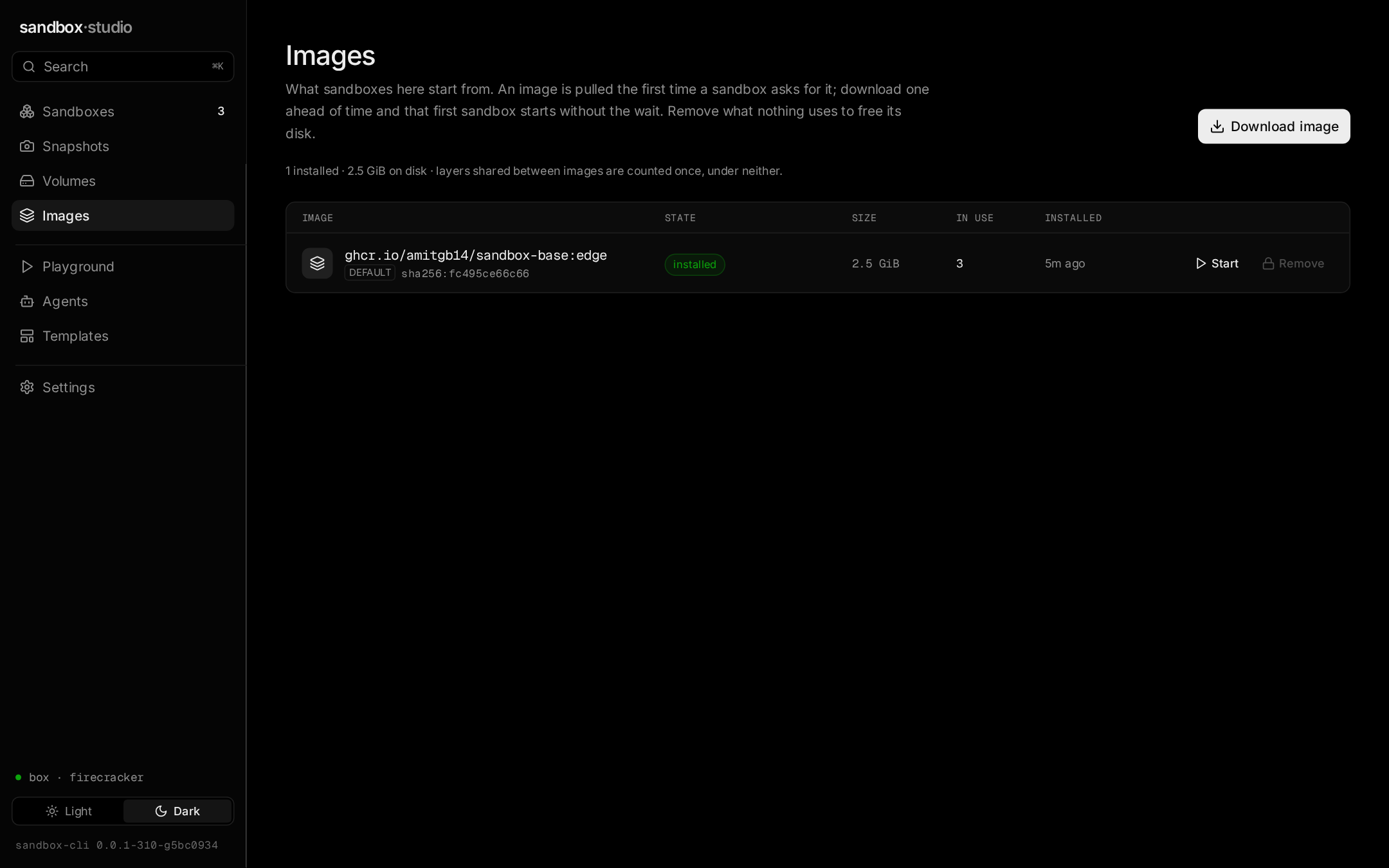
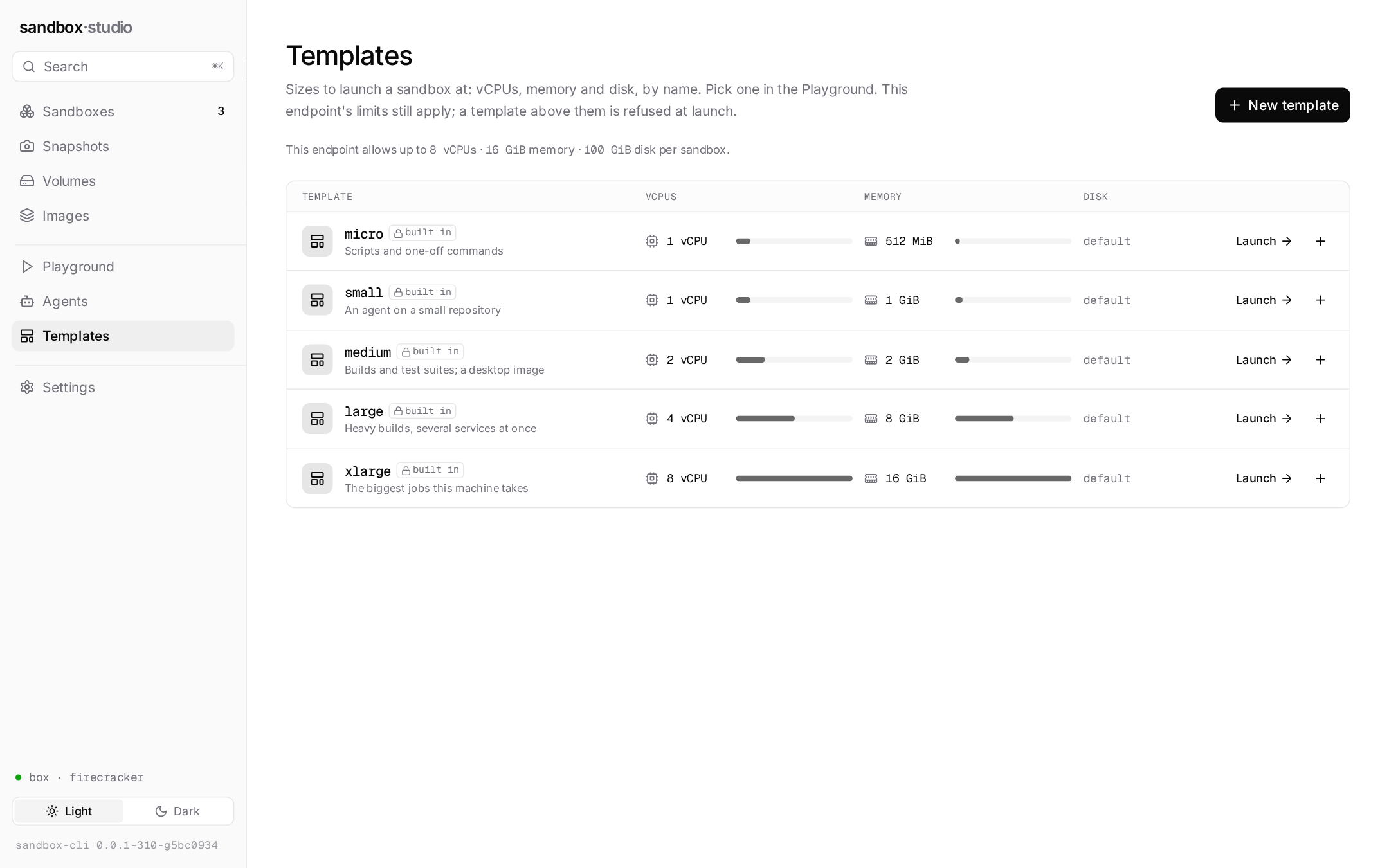
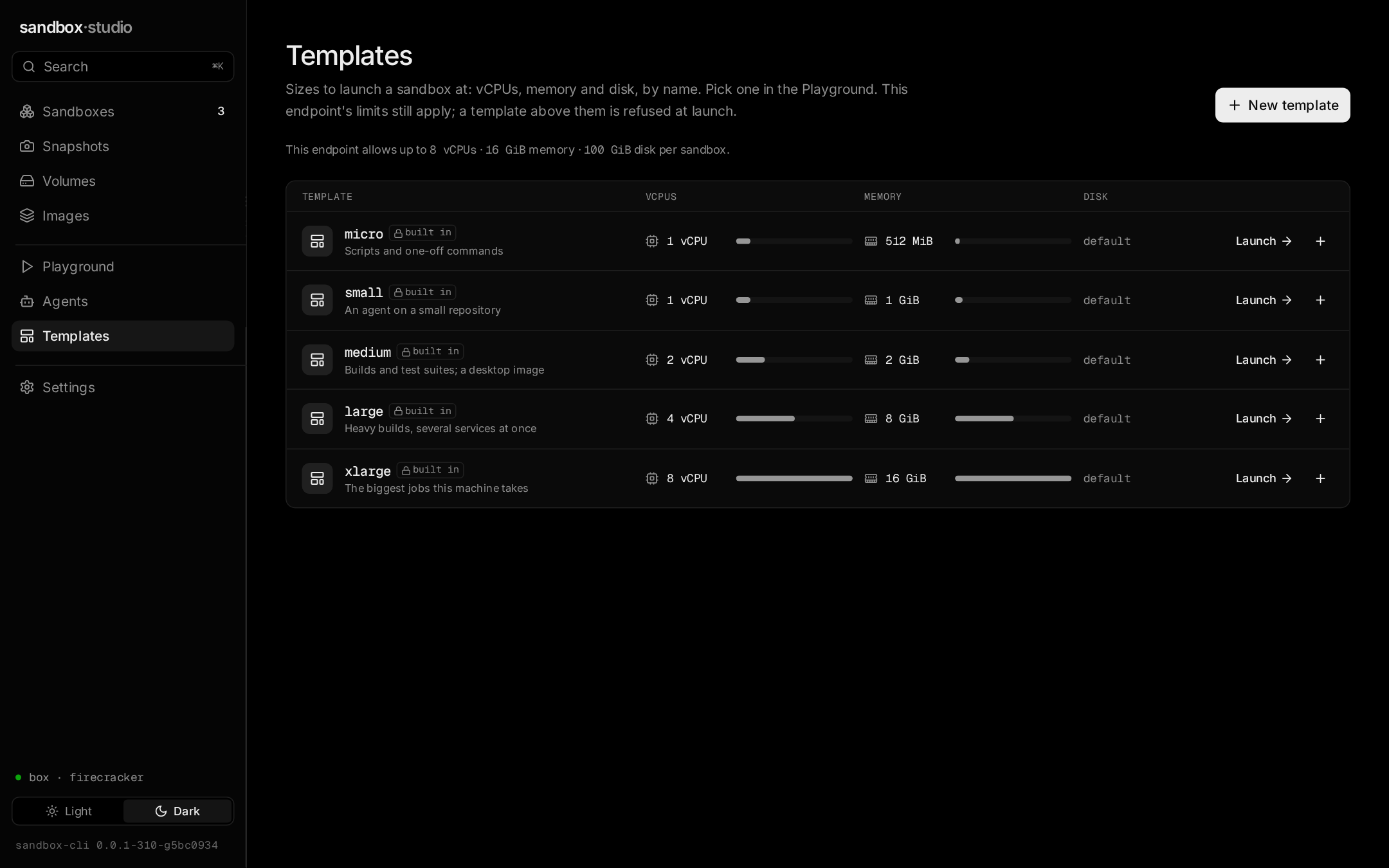
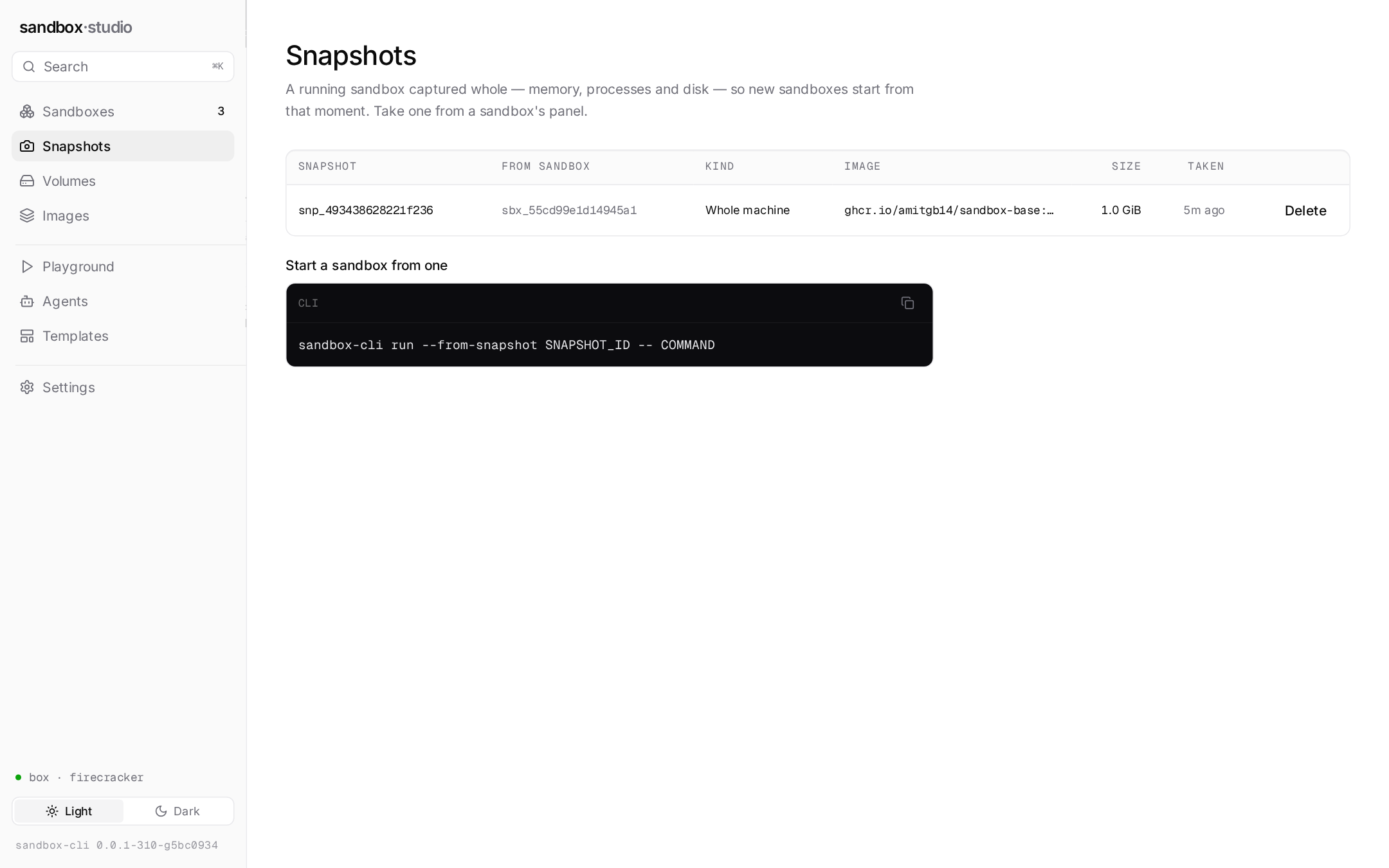
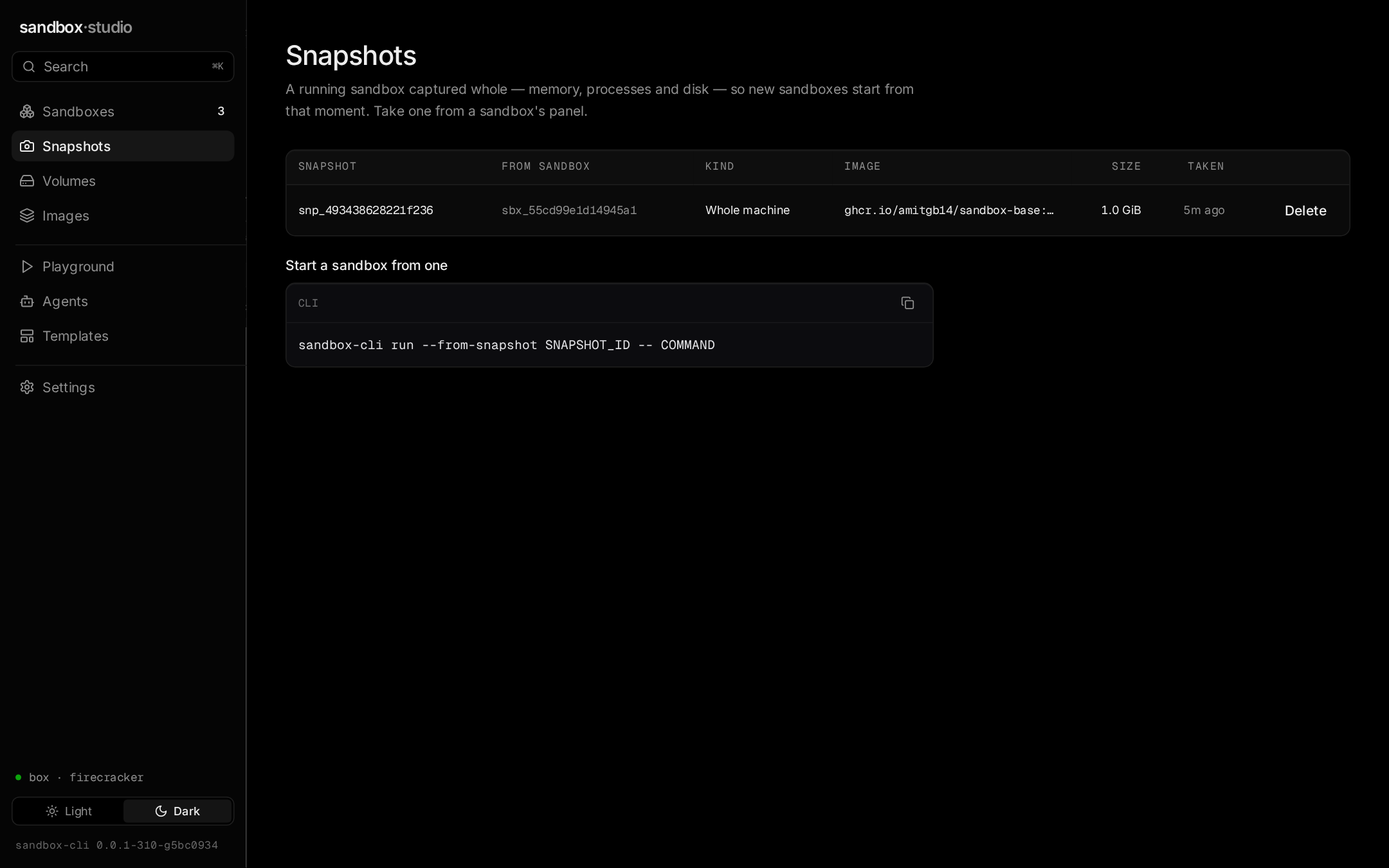
Launch, watch, answer, inspect
Nothing here is a second implementation of the CLI: every screen is an API call or the same host-side code, so a rule the CLI keeps, Studio keeps.
Sandboxes
The home screen: every sandbox on the sandboxd, started from Studio, the CLI or an SDK, searched and filtered by state, with what each was given. With none yet, a first-run panel with the code to start one. Each sandbox has an overview, a real terminal, its processes' logs from the first byte, its files, and its audit events.
Playground
A command, an agent run unattended, or an agent's interactive console, in a fresh sandbox that starts in its own home directory — with the same config, profile, network policy, labels, volumes and agent login a sandbox-cli run would get. Beside the form, the same command run as CLI, curl, Python and TypeScript, to repeat it from a script.
Snapshots
Sandboxes captured whole — memory, processes and disk — to start new ones from, where the backend offers them.
Agents, Volumes, Settings
The agents Studio runs, each with a verified headless mode, and whose login is saved; named volumes and where each is mounted; the context and what its sandboxd can deliver.
Through a gateway
When the context is a sandbox-gateway, Studio asks who the API key is and adds what that key may use: Jobs, Services, Secrets (names only), SSH and Account — and for an admin key, Nodes, Lost sandboxes, Users & keys and Audit. Actions the key's scopes do not allow are not offered. A plain sandboxd shows exactly the screens above.
Organizations
On a gateway, a switcher at the top of the sidebar lists the organizations you belong to. Switching clears everything shown, so nothing of the last one stays on screen; Create organization (with org:create) makes one you own, and Members lets an owner add and remove people. On a plain sandboxd there is no switcher.
A hosted dashboard
Built with NEXT_PUBLIC_STUDIO_ADMIN=off, Studio leaves the admin screens out of the bundle entirely, for a dashboard served to many tenants. The gateway's refusal stays the control; the build only means they are not shipped.
A local tool that can start sandboxes still needs a lock
Anything that can reach Studio's API can start sandboxes, and agents with your saved logins. These are the three reasons a web page you happen to have open cannot.
Loopback only, and a loopback Host
Studio listens on 127.0.0.1 and answers only Host headers naming loopback, so a page whose own name resolves to 127.0.0.1 — DNS rebinding — is refused: the name it dialled gives it away.
A token per launch
A loopback port is reachable by every user on the machine. Every request to Studio's API needs the token in the address sandbox-cli studio prints; it travels in the URL's fragment, which is never sent to a server, and is kept for the tab only.
The browser never holds sandboxd's token
Studio proxies sandbox calls to the context's sandboxd and adds that sandboxd's token itself. A cross-origin request is refused outright, and a body that is not JSON — the shape of a request that skips a browser's preflight — is refused too.